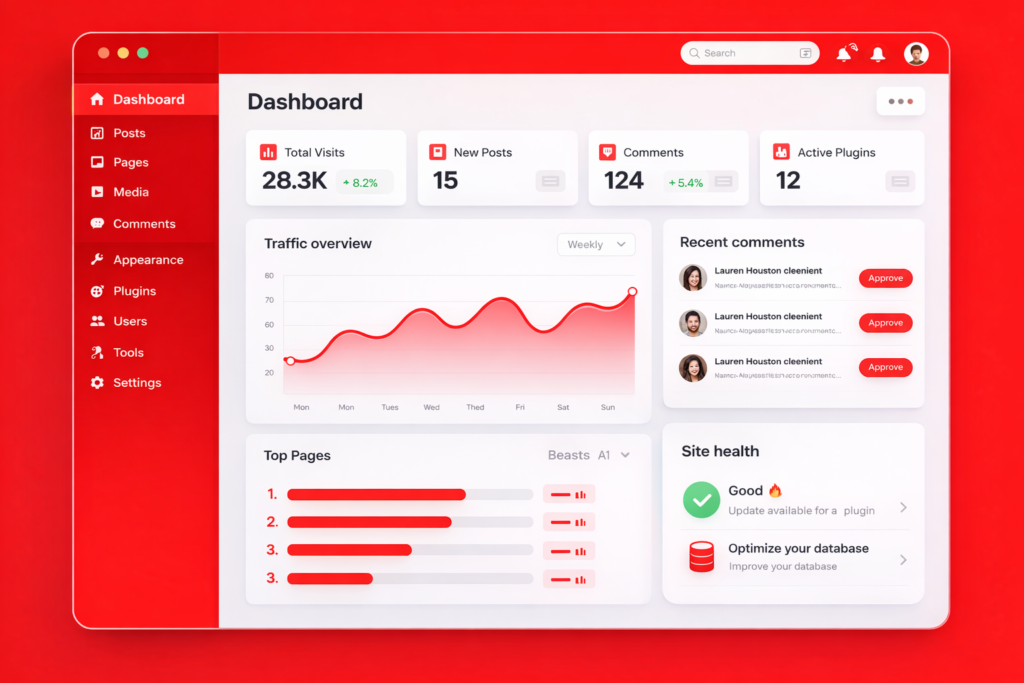
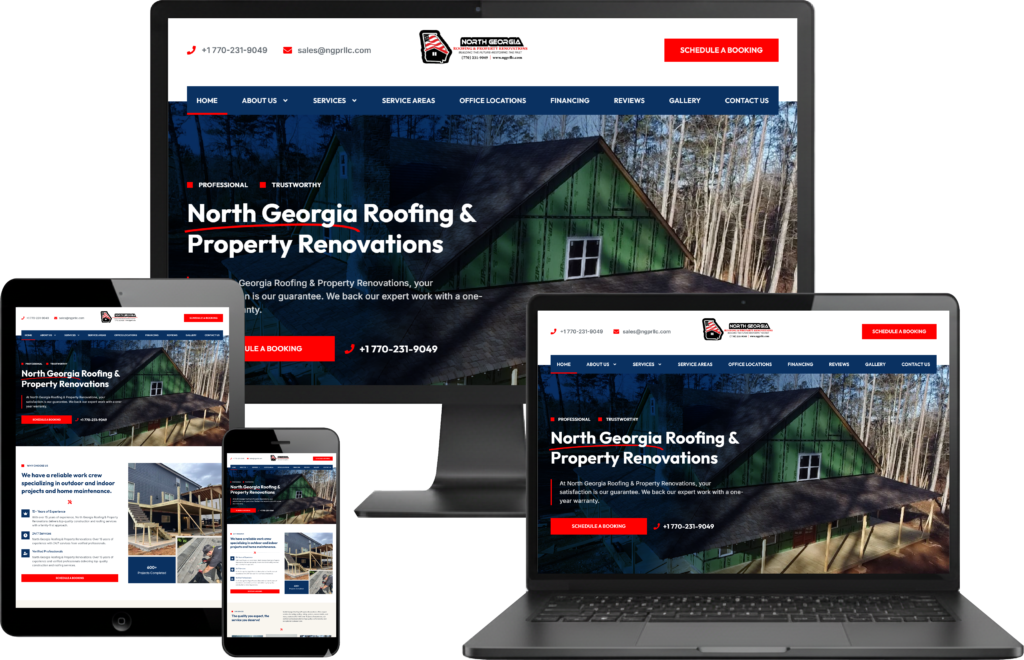
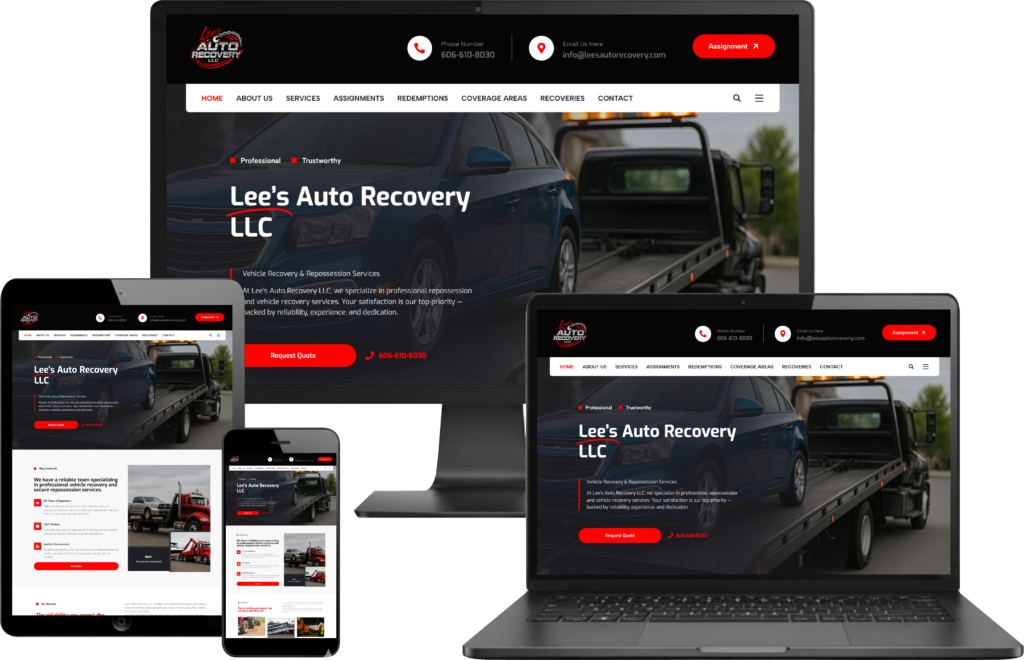
Congratulations on your new website
Your site has been designed and built by the 5sixDigital to be easy, flexible, and powerful. You can update pages, change text, replace images, and manage sections without needing any coding skills. So this is not just an “easy-to-use” website, it’s a fully professional and functional website that you can control yourself after the design is complete. Your website is made to look great, work smoothly, and support your business as it grows.
Important Notice:
Please do not make any changes to the already designed website layouts and Media. If you would like to redesign a page, section, or layout, please visit our website and fill out our design request form. Submit the form to us, and our team will handle the updates professionally. This ensures your website remains fully functional and maintains its professional design.
Here In this Step-by-Step guide, you’ll learn how to confidently manage and update your website step by step.

How Do I Edit Text, Images, Links and Publish My Changes??
⚠️ Keep In Mind…
✔️ Only edit text, images, and links.
❌ Don’t change layout, structure, or advanced settings, this can break the design.
Editing Text
-
Click on any text you want to change.
-
The text settings will open on the left panel.
-
Delete the old text and type your new content.
-
Click publish to save.
If you close the page without clicking Update, your changes will be lost.

How Can I Get Help from 5sixDigital?
If you still don’t know how to do any of the things explained above no problem at all.
Our team at 5sixDigital is always here to help you.
What You Should Do
-
Visit our website.
-
Go to the Request Live Websites Update OR Order Website Add-ons page.
-
Fill out the form with your details, your issue and any changes do you needed.
-
Click Submit and our team will get back to you shortly.